
MultiTool
| Year | 2013 |
| Project Description | Two amazing applications in one! MultiTool: A shortcut manager, in the Windows 8 style, created with XAML. Also includes several other tools such as a clock. BookReader: An application to read and display comic book files(cbl, cbr, cbz, and cbzd), zip's and rar's with images, and books (epub) |
| Tools used | C# |
| Platforms | Windows |
| Executable | MultiTool |
| Install Instructions | 1.)Extract the zip
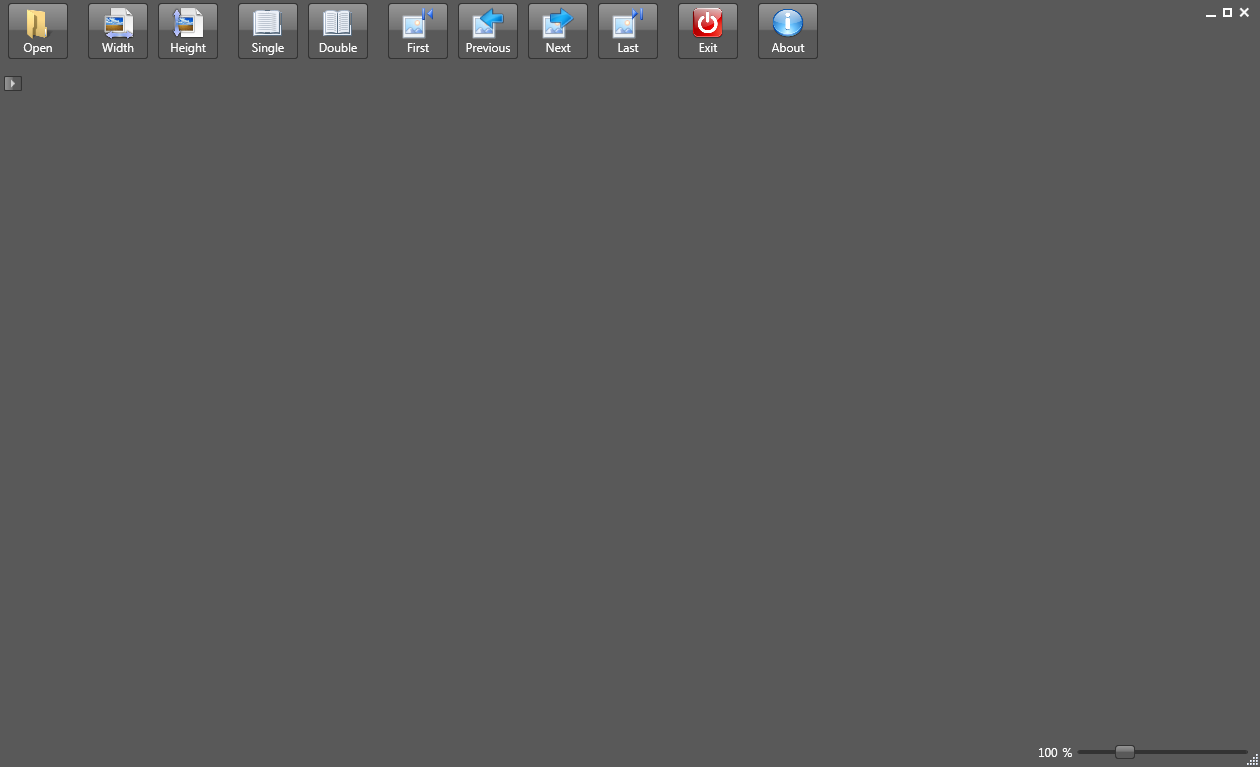
For the Comic/Book reader: 2.)Open "BookReader.exe" 3.)Click "Open", the first button on the toolbar. Select the file 4.)Use the "first", "previous", "next", and "last" button on the toolbar to navigate through the pages of the document. The "width" and "height" buttons are used to size the page 5.)Use the "exit" button to close the application For the multitool: 2.)Open "MultiTool.exe" 3.)Click an icon once to change the color of that tile permanently. 4.)Double click an icon to launch the application 5.)Click the arrow next to "start" to reset tile colours, add new tiles, or change the size of the window 6.)Use the search bar to search for tiles |
| Images |
|